
Turn Google Docs into Anki flashcards
Download your doc as Word or PDF (File → Download), upload it and get your cards.
20 free text cards each month · no card details needed
What your cards can look like
Clinical context, hints and sources—without crowding the question.
25 kr once · VAT included
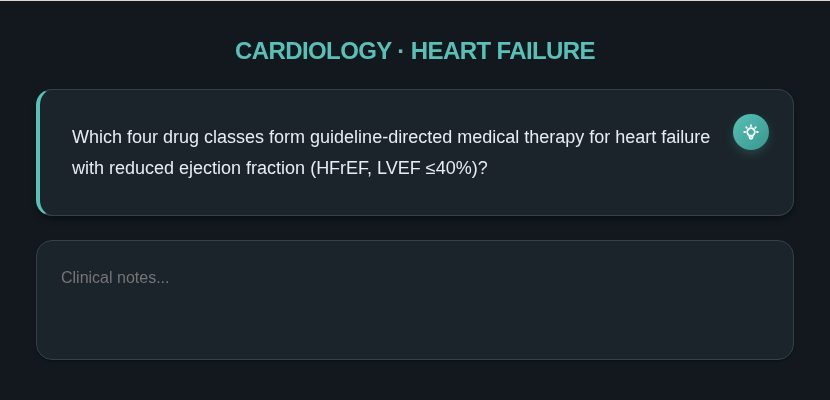
- 1Tap the bulb for a hint
- 2Scratchpad to think before you flip
Picture preview. Hints, tabs, buttons and audio are fully interactive in Anki once you own the template.
Upload
Drop a Google Doc saved as Word or PDF, or paste your text.
Configure
Choose your card type: Basic, Reversed or Cloze. Edit any card you like.
Export
Download one .apkg file and open it in Anki desktop or mobile.
By hand vs. Mind Solutions
| By hand | Mind Solutions | |
|---|---|---|
| Time per lecture | 30–45 minutes of copying and formatting | About a minute to generate, then a quick check |
| Formatting | Inconsistent, by hand | Consistent card layouts |
| Pictures | Screenshots pasted one by one | Chosen from your file (Pro and Premium) |
| Getting it into Anki | Import settings and field mapping | One .apkg file |
Questions
Can I connect Google Docs directly?
Not yet. Download the doc as .docx or PDF first. You can save finished decks to Google Drive.
Can I import the deck into Anki mobile?
Yes. You get a standard .apkg file that opens in Anki desktop, AnkiDroid and AnkiMobile on iPhone and iPad.
Is it free to try?
Yes. The Free plan includes 20 text cards each month. Paid plans start at 50 kr per month.